

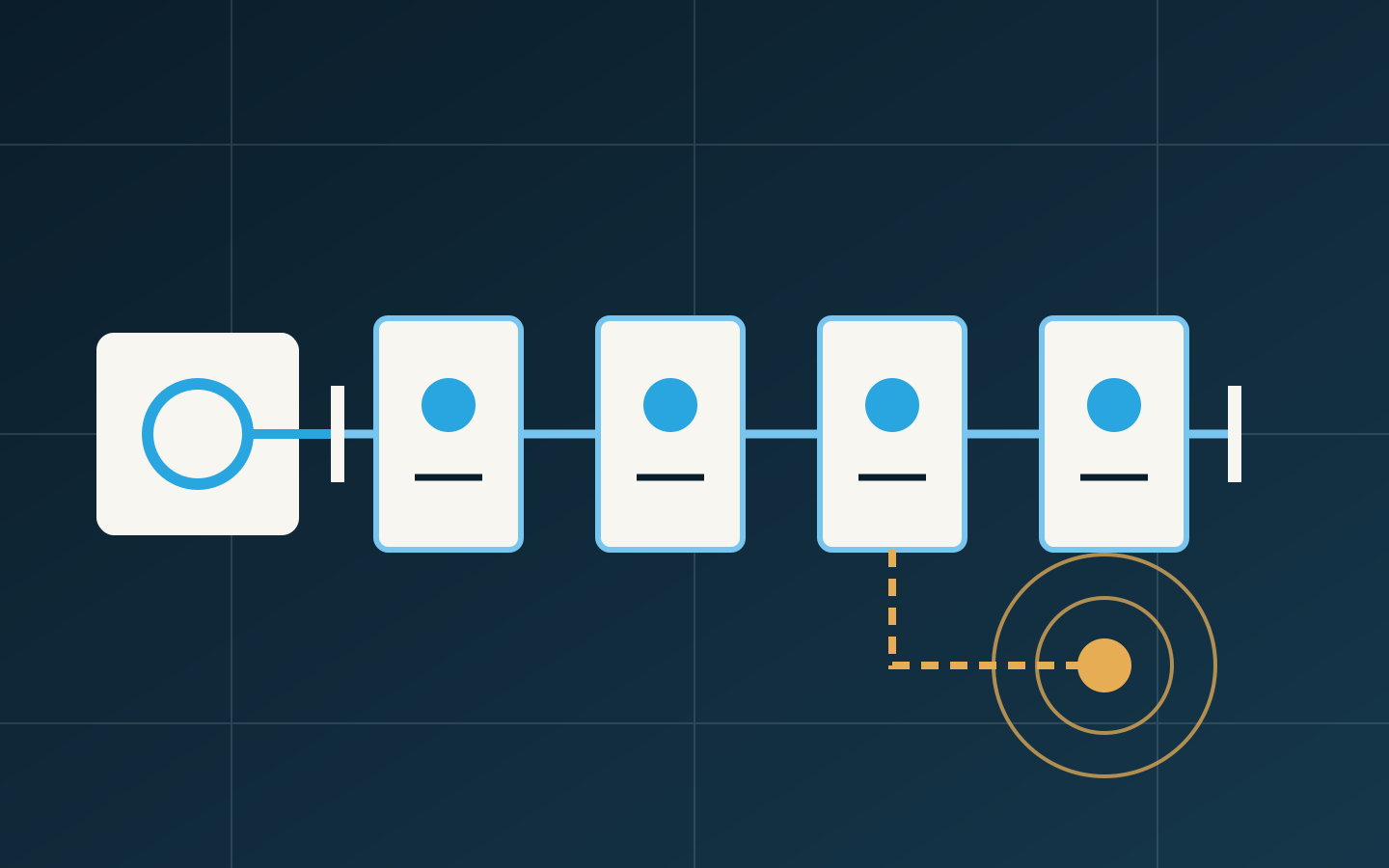
Typical symptoms
- Online status repeatedly changes and groups of alarms appear then clear
- Devices are discoverable but values update slowly, pause or time out on writes
- Adding, replacing or moving one device affects several devices on the same trunk
- Devices near the beginning remain stable while the end or a branch is unreliable
Where these symptoms may come from
Topology and electrical conditions
MS/TP uses an RS-485 physical layer. Excessive stars, long stubs, inconsistent shield/reference practice, incorrect termination, electrical noise or poor joints can distort the signal. Occasional success does not prove a healthy physical layer.
Addressing, baud rate and device parameters
Duplicate MAC addresses, device-instance conflicts, mismatched baud rate, inappropriate Max Master or changed router-port settings can remove devices or slow token passing. Labels copied during replacement may not match actual settings.
Device behaviour and bus loading
One device that transmits abnormally, responds slowly or repeatedly resets can affect the trunk. Dense polling, trend and alarm requests can also make online devices appear slow. Physical errors, token behaviour and supervisory traffic must be separated.
Diagnostic sequence
- Draw the actual router, trunk order, branches and termination rather than relying only on record drawings
- Record affected devices, time and location to distinguish one node, a continuous segment or the full trunk
- Check baud rate, MAC, device instance, Max Master and router-port configuration
- Review recent device, wiring and power changes and compare before/after behaviour
- Have qualified personnel use appropriate tools to examine electrical quality, termination, reference potential and abnormal talkers
- Observe availability, errors, update rate and alarms over time after recovery
Safe checks you can prepare first
These checks collect evidence without bypassing interlocks, forcing outputs or changing critical protection.
- Export or capture device lists, offline times and router state
- Record MAC, device instance, baud rate and controller models
- Relate the issue to additions, site work or power events
- Document actual device order and visible branches
- Record discovery and value-update times without repeated restarts
- Back up configuration before any address or baud-rate changes
Why a restart is not a diagnosis
A restart may clear a temporary state, rebuild token passing or quiet an abnormal device for a while, but it does not repair topology, duplicate addresses, noise or sustained traffic. Repeated restarts also erase evidence and affect continuous operation. Record distribution, timing and recent changes first.
Use physical distribution to identify the likely layer
One affected device points more often to local power, addressing, transceiver or wiring. A continuous segment suggests a joint, branch or downstream condition. A whole unstable trunk also raises router, termination, duplicate-address, abnormal-talker and traffic questions. Distribution narrows scope but still needs evidence.
Discovery is not the recovery criterion
Discovery proves only that one request received a response. Recovery also needs stable point updates, alarms and trends, appropriate write response, router health and sustained availability. If supervisory demand is excessive, polling and trend strategy may need revision rather than simply increasing baud rate.
How the same issue differs by setting
Healthcare
An outage may affect environmental monitoring and traceability. Segment investigation by area and system to avoid widening continuity risk.
Hotels and commercial buildings
Floor distribution, tenant work and local power changes are common; location and timing help identify branches or changed devices.
Campuses
With multiple routers and buildings, first place the fault on an MS/TP trunk, IP route or supervisory request path.
Information to prepare before contacting us
- Screenshots and alarm records from the time of the issue
- Platform name, version and normal access route
- Controller, gateway and relevant field-device models
- BA point schedules and network or bus information
- When the issue occurs, how long it lasts and what repeats it
- Low-risk checks already completed and the observed result